
Scavland Tools
Specs, keys, and a packing list you can tick before you leave town.
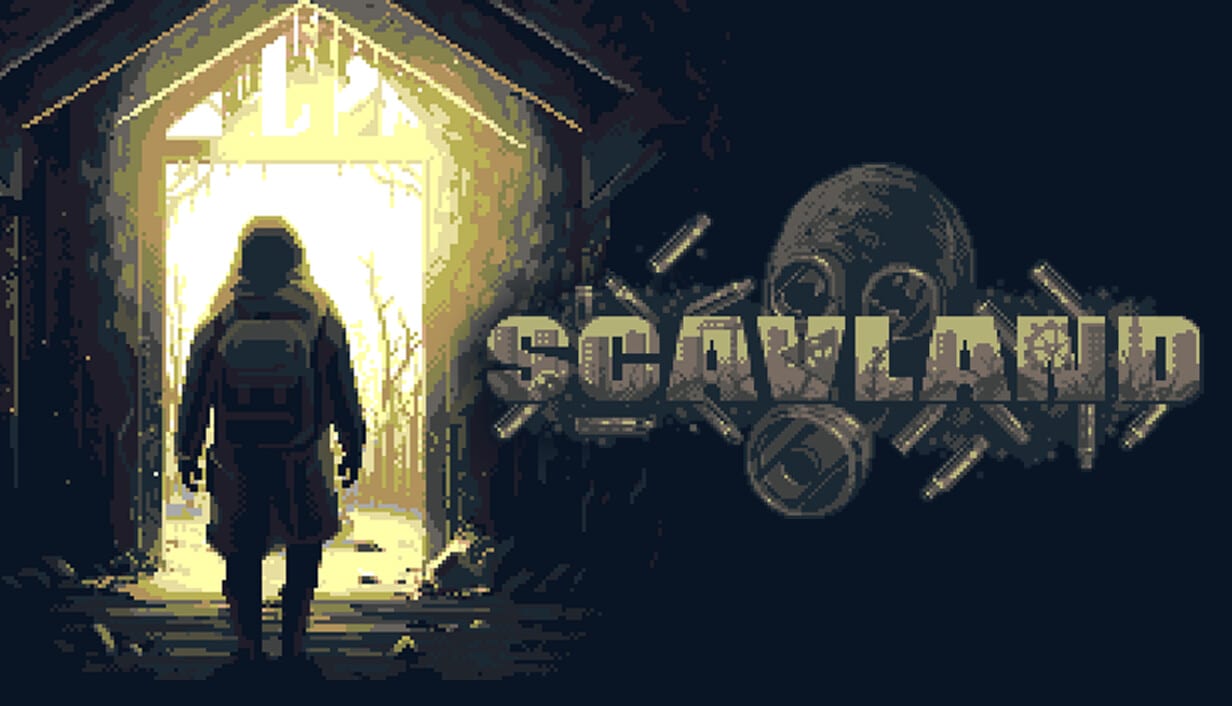
Not every Scavland question is a lore question. Some are “can my PC run this”, “what does J do”, and “what do I buy before the first walk”. This hub is those utilities. Open system requirements before you pay. Open controls while the tutorial yells. Open Steam Deck if you are on a pad or a handheld. Open the beginner checklist every time you think you are ready for a hatch.
These tools do not replace guides. They sit under them. If you need the why, go to survival or combat. If you need the what, stay here.
System requirements
Scavland is a pixel-art Unity game with a friendly minimum on paper: quad-core CPU, 4 GB RAM, 2 GB GPU, 1 GB listed storage. Handhelds and Steam Deck were a design target. That does not mean a potato laptop with integrated graphics from 2009 is a plan. The system requirements page copies Steam’s minimum, notes the depot size, and tells you what “OpenGL 2.1” actually implies.
Controls
Public PC footage agrees on a short list: J journal, E interact, F melee, right-click use/aim, WASD move. Full controller support exists. We do not invent the rest of a keybinder. Controls is the confirmed set plus the advice to rebind after you understand the verbs. If you are on a Deck or a living-room pad, the Steam Deck page covers Cloud, the radial menu, and why inventory was rebuilt for sticks.
Beginner checklist
A tick list for the first sessions: heal, eat, clean the gun, sell junk, take a nearby job, skip the far marker, skip the hatch until you can afford it. The beginner checklist is Getting Started without the essay.
How these pages stay honest
Keys can change. Specs can change. Check Steam if this wiki and the store disagree. Early Access is 4 September 2026. Tools here are launch prep, then living documents. Updates will flag when a patch invalidates a line.
If you came looking for a damage calculator or an interactive map, those do not exist from official data yet. We will not ship a fake one. Use the weapon tier list for roles and the in-game world map for geography.
Pack the checklist. Check the specs. Learn four keys. Then go play.
What belongs on a tools page
A tools page is a list you can obey while the game is open. That is why controls is a table, why system requirements copies Steam, and why the beginner checklist is boxes. Essays live under guides. Rankings live under the tier list. Politics live under factions.
If you are about to enter a hatch, you want the checklist, not a trailer. If you are about to buy, you want the spec, not a faction thesis. If the tutorial is shouting and you cannot find the journal, you want J, not a lore recap.
After 4 September 2026, if a patch remaps a key or raises the minimum GPU, these child pages will move first. Bookmark them next to Early Access. The rest of the wiki can wait until you have eaten.
Frequently Asked Questions
Quick answers to the most common questions.
Can my PC run Scavland?
If you meet the Steam minimum on the system requirements page, you are in the conversation. Handhelds are a design goal, not a guarantee for every device.
Where are the controls?
On the controls page. J is the journal. F is melee. E interacts. Right-click uses and aims in keyboard footage. Pads and handhelds are on Steam Deck.
Is there a packing checklist?
Yes. The beginner checklist is the tick list. The starting loadout is the item version.