
Scavland Cheats, Console Commands and Trainer Guide
Debug mode, Explorer Mode, and safe ways to tweak single-player.
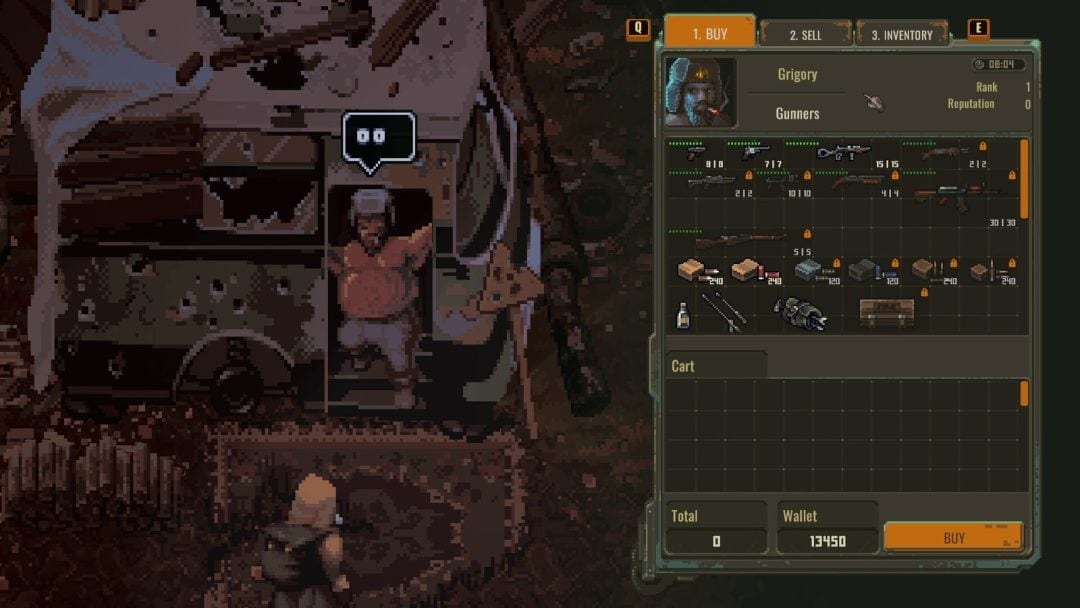
Players looking for cheats, debug commands, or trainers have several verified options in Scavland. Built on Unity, Scavland supports command-line launch parameters for developer tools, while single-player offline trainers allow unlimited stamina, infinite backpack capacity, and zero weapon jamming. This page covers what is confirmed, what is safe, and what will corrupt your save.
Explorer Mode — official safe cheats
Before touching third-party memory trainers, activate Explorer Mode in world settings. This native toggle provides:
- Campfire instant recovery
- Reduced stamina drain
- Relaxed death penalties
- Safe stash access
Explorer Mode is the developers’ own answer to players who want a gentler experience. It carries no save-corruption risk and works in the live build. Use this before any trainer.
Launch flags
Configure Steam launch options: in your Steam Library, right-click Scavland → Properties → General → Launch Options. Enter one of:
-dev— enables developer diagnostic logging and console overlay capabilities-console— alternative flag for console access in test builds
These flags activate internal diagnostic tools in supported builds. Not every build responds to both; try one or the other if one does not work.
Opening the developer console
In supported developer builds, press the tilde key [~] or [F1] to pull down the command console window. The console displays diagnostic output and accepts text commands.
Console access varies by build. If neither key opens a console, the build you are running did not ship with console support enabled. Launch flags must be set first.
Console commands
In single-player debug builds, commands follow the syntax:
spawn [item_id] [quantity]— spawns an item with the given ID and amount
Other commands may exist in test builds. NoShadow has not published a full command list publicly. Commands that exist in debug builds may be removed or changed in final builds. This page will update when a public command reference appears.
Safe offline trainer setup
For players who want infinite rubles, god mode, or other modifications not covered by Explorer Mode, external trainers (WeMod / Cheat Engine) are verified for offline solo play in v0.6.0. Rules for safe use:
- Launch Steam in Offline Mode before activating memory trainers to prevent anti-cheat conflicts
- Back up your save files before applying any memory modifications
- Save files are located at:
%USERPROFILE%\AppData\LocalLow\NoShadow\Scavland\Saves\ - Never bring a modified save into co-op sessions
Verified trainer features for Build 25128670 (v0.6.0):
- Infinite stamina hotkey toggle
- Unlimited carry weight hotkey toggle
- Zero weapon durability degradation toggle
- Custom ruble count editor
What will corrupt your save
Memory editors and trainers are strictly for offline single-player use. The developers have stated that modifying memory during future multiplayer sessions will corrupt character saves or trigger integrity bans. Until co-op is officially released:
- Keep single-player and modified saves offline
- Never upload a trainer-modified save to cloud storage
- Do not attempt to use trainers during any form of multiplayer session
Legitimate ruble farming
For players who want in-game currency without cheats: trading high-demand salvage with settlement traders is the fastest legitimate ruble generator. Items with consistent demand:
- Spark plugs
- Lighters
- Wire coils
- Mechanical parts
See the traders page for which vendors buy what, and the reputation page for how standing affects prices.
Save management
Always create a backup copy of your save data before activating memory hooks. The save folder at %USERPROFILE%\AppData\LocalLow\NoShadow\Scavland\Saves\ contains:
- Character progression files
- World state files
LastUsedSlot.jsonfor slot tracking
Copy the entire folder to a backup location before any trainer session. This wiki does not host save editors.
What this page will not tell you
This page will not publish internal item IDs beyond what third-party sources have documented publicly. Item ID lists that circulate in unofficial communities are not verified by this wiki. When NoShadow publishes an official command reference, this page will mirror it completely.
Explorer Mode is the only officially sanctioned cheat path. Use it before reaching for memory editors.
Frequently Asked Questions
Quick answers to the most common questions.
Does Scavland have official cheat codes?
Scavland provides an official Explorer Mode difficulty preset that functions like built-in cheats — eliminating severe stamina penalties and enabling instant campfire health recovery. Console debug access requires -dev launch flags.
How do I open the developer console?
Press the tilde key [~] or [F1] in supported developer builds. You must first configure launch options with -dev or -console in Steam properties.
Can I get banned for using a trainer in single-player?
No. Using single-player trainers or Cheat Engine tables for offline solo play will not trigger a VAC ban. However, modified saves should never be brought into co-op sessions.
Where are Scavland save files located?
Local saves are found at %USERPROFILE%\AppData\LocalLow\NoShadow\Scavland\Saves\ on Windows systems. Always back up before using memory editors.
What is the spawn command syntax?
In debug builds: spawn [item_id] [quantity]. Full item ID lists are not published officially. Use Explorer Mode for a safer alternative.